








Best Gaming TVs in 2026 120Hz Refresh Rate and Low Input Lag Options

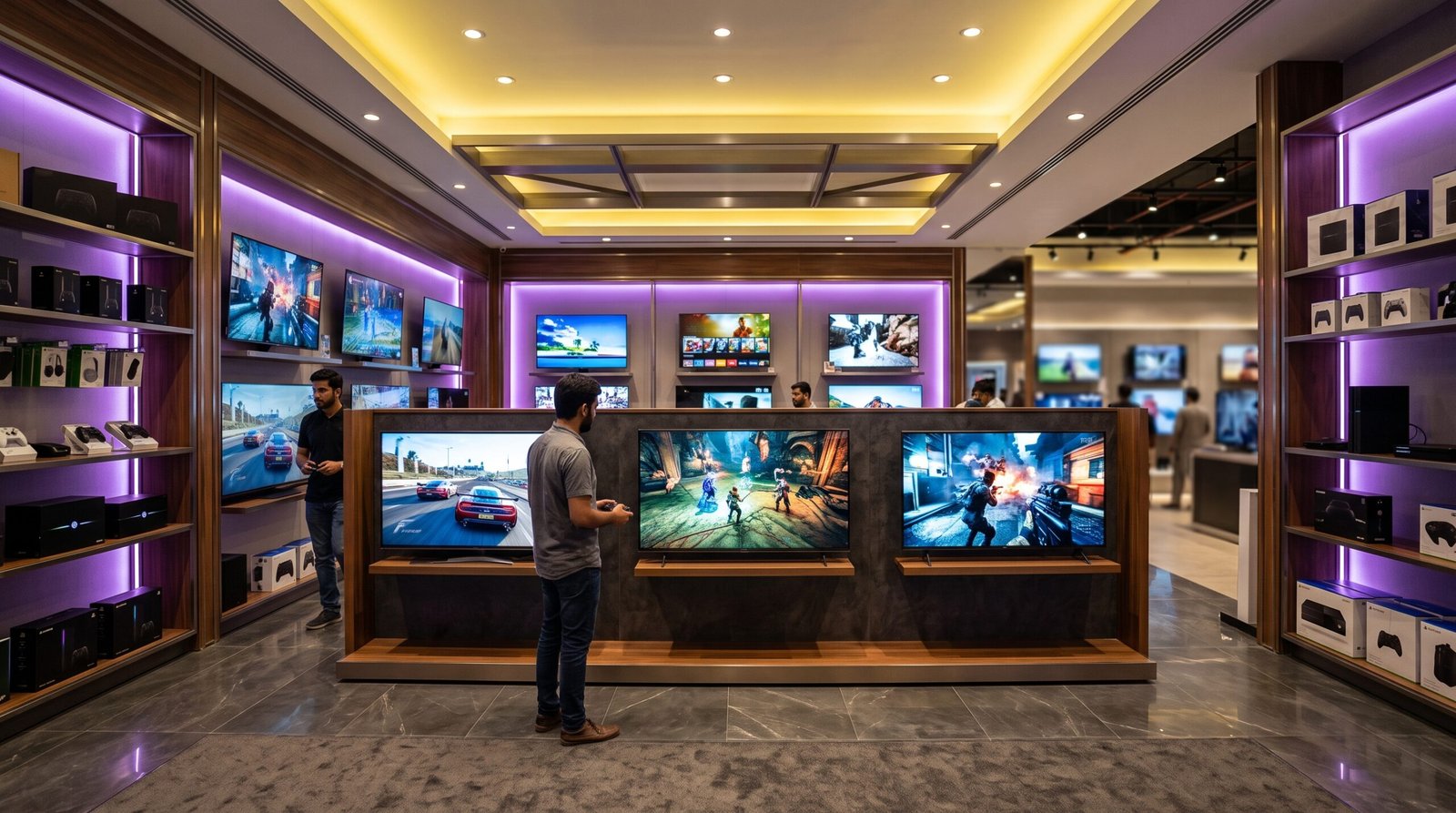
Gaming technology has evolved rapidly in 2026. With current-generation gaming consoles (PlayStation 5 Pro, Xbox Series X) and high-end PC GPUs pushing 4K resolution at 120Hz to 165Hz frame rates, your living room TV is no longer just a display for movies—it is a core piece of gaming hardware.
If you are building an ultra-fast setup, buying a generic 4K TV will result in choppy motion, noticeable button delay, and washed-out visuals. To get fluid gameplay and frame-accurate response times, you need a TV equipped with native 120Hz/144Hz panels, HDMI 2.1 bandwidth, Variable Refresh Rate (VRR), Auto Low Latency Mode (ALLM), and sub-10ms input lag.
This comprehensive buying guide for kiachahiye.com breaks down everything you need to know about gaming TVs in 2026. We will explain critical specs, review leading appliance brands (including top air conditioner and home electronic giants), feature a comparison table, highlight 6 top-rated gaming TV models, and answer the top 10 frequently asked questions.
Why 120Hz Refresh Rate & Low Input Lag Matter for Gaming
When buying a gaming display, two technical specifications directly dictate how fast and responsive your games will feel:
A. Refresh Rate (120Hz / 144Hz vs 60Hz)
Refresh rate, measured in Hertz (Hz), indicates how many times per second the TV screen updates its picture.
- 60Hz TVs: Update 60 times per second. Fine for movies and slow-paced puzzle games, but causes motion blur, ghosting, and screen tearing in fast-action titles.
- 120Hz / 144Hz TVs: Update 120 to 144 times per second. Fast-moving objects appear silky smooth, camera motion is sharp, and competitive tracking in shooters or racing games becomes much easier.
B. Input Lag (Latency)
Input lag is the millisecond delay between pressing a button on your controller and seeing that action occur on screen.
- Standard TV Mode: Often 30ms to 80ms due to image post-processing. This causes sluggish controls.
- Dedicated Gaming Mode: Cuts processing down to under 10ms (often around 5ms to 9.2ms in top 2026 models), making controls feel instant and highly responsive.
C. Essential Gaming Features to Check
- HDMI 2.1 Bandwidth: Required to output full 4K resolution at 120Hz or 144Hz from PS5, Xbox Series X, or PC graphics cards.
- VRR (Variable Refresh Rate): Matches the TV’s refresh rate to the console’s frame rate in real time, eliminating screen tearing and stuttering.
- ALLM (Auto Low Latency Mode): Automatically switches the TV into Game Mode the moment you boot up a console.
- AMD FreeSync Premium & NVIDIA G-Sync: Prevents frame drops and screen tearing for PC gamers connected to the TV.
Head-to-Head Display Technology Comparison
Choosing between display panel types determines your peak brightness, black levels, and dark-room performance.
Feature / Criteria | OLED / QD-OLED | Mini-LED | Standard QLED / LED |
Pixel Architecture | Self-emitting pixels (No backlight) | Microscopic LED backlight zones | Global or basic edge LED backlight |
Response Time | Near-Instant (<0.1ms) | Fast (1ms – 3ms) | Moderate (5ms – 10ms) |
Input Lag in Game Mode | Ultra-Low (~5ms – 9.2ms) | Ultra-Low (~9ms – 11ms) | Moderate (12ms – 20ms+) |
Contrast & Black Levels | Infinite contrast, perfect blacks | High contrast, minimal blooming | Average contrast, grayish blacks |
Peak Brightness | Very High (1,000 – 2,500 nits) | Extremely High (3,000 – 5,000 nits) | Moderate (400 – 800 nits) |
Price Point | Premium | Upper-Mid Range | Budget-Friendly |
Best Room Setup | Dark to Moderately Lit Rooms | Very Bright / Sunlit Rooms | Everyday Living Rooms |
Brand Spotlight: Major Home Appliance & Electronics Brands in Pakistan
Many of Pakistan’s leading air conditioner (AC) and home appliance manufacturers have expanded their display engineering to deliver competitive, feature-rich 4K Smart TVs with dedicated gaming features.
Dawlance
A household name across Pakistan for durable refrigerators and inverter ACs, Dawlance offers Google TVs with dedicated Game Modes and smooth motion processing tailored for reliable home entertainment.
- Key Features: Google TV OS integration, local service support, power-surge protection features, and budget-friendly big-screen options.
Haier
Haier is a global leader in home appliances and inverter AC technology. Their TV lineup includes modern bezel-less QLED and 120Hz/144Hz displays with dedicated Game Hubs.
- Key Features: HQLED panel tech, MEMC motion compensation, HDMI 2.1 inputs, Dolby Vision & Atmos support, and strong energy efficiency.
Gree
Known worldwide for high-end air conditioning and HVAC engineering, Gree applies its strict quality control standards to its premium Smart TV lines.
- Key Features: High-brightness panels, durable metal alloy chasses, low-latency processing modes, and stable connectivity options.
PEL (Pak Elektron Limited)
PEL has supplied Pakistani homes with electronics, power equipment, and ACs for decades. Their TV models provide entry-level and mid-tier 4K gaming capabilities at accessible prices.
- Key Features: Cost-effective 4K displays, slim bezel design, built-in sound systems, and easy-to-use smart interfaces.
Orient
Orient revolutionized the local appliance market with its inverter AC series and offers modern 4K QLED TVs with low input lag features for value-focused buyers.
- Key Features: Vibrant color reproduction, quick-response picture modes, solid contrast ratios, and budget pricing.
Kenwood
Kenwood brings its repute for precision engineering into modern entertainment electronics, producing displays with accurate color calibration and low-latency gaming presets.
- Key Features: Clean image processing, durable power components, user-friendly menu navigation, and strong audio outputs.
TCL & Hisense (Global Gaming Specialists)
Alongside domestic appliance giants, global display brands like TCL and Hisense dominate the high-refresh-rate gaming market in Pakistan with 120Hz, 144Hz, and Mini-LED technologies.
Top 6 Recommended Gaming TV Models in 2026
Here are 6 recommended 120Hz/144Hz gaming TVs available in 2026, ranging from budget Mini-LED options to elite OLED displays:
Model Name | Panel Type | Native Refresh Rate | Primary Highlights & Best Use |
LG C6 OLED | OLED evo | 165Hz / 120Hz | 0.1ms response time, 4 full-bandwidth HDMI 2.1 ports, sub-9.2ms lag; the ultimate overall gaming TV. |
Samsung S90H QD-OLED | QD-OLED | 165Hz / 120Hz | Glare-Free panel, FreeSync Premium Pro, ultra-low input lag; ideal for bright-room OLED gaming. |
TCL QM8L Mini-LED | SQD-Mini LED | 144Hz / 120Hz | High peak brightness, 4 HDMI 2.1 bandwidth ports, 144Hz VRR; best bright-room value. |
Hisense U8QG Mini-LED | Mini-LED Pro | 165Hz / 120Hz | Up to 5,000 nits brightness, Anti-Glare Low Reflection, Dolby Vision IQ; outstanding price-to-performance ratio. |
Haier H65S900UX QLED | HQLED | 120Hz | Native 120Hz panel, HDMI 2.1 connectivity, Google TV interface, affordable local warranty support. |
Hisense U65QF Mini-LED | Mini-LED | 144Hz / 120Hz | Budget-friendly 144Hz VRR support, solid local dimming, low input lag; best budget gaming pick. |
Console vs. PC Gaming Requirements on a 4K TV
Depending on your platform, your TV needs to meet specific technical criteria:
For PlayStation 5 & PS5 Pro
- Requires HDMI 2.1 ports capable of 4K at 120Hz.
- Needs VRR support to prevent screen tearing in games like Spider-Man 2 or Call of Duty.
- Prefers Auto HDR Tone Mapping (found on Sony and select gaming TVs) for accurate highlight details.
For Xbox Series X
- Supports 4K 120Hz, AMD FreeSync Premium, and Dolby Vision Gaming at 120Hz.
- Requires ALLM so the console triggers Game Mode without manual menu switching.
For PC Gaming
- Benefits from 144Hz or 165Hz panels for high frame rates beyond standard console limits.
- Requires NVIDIA G-Sync or AMD FreeSync compatibility to eliminate tearing during frame fluctuations.
- Requires Chroma 4:4:4 support so text and fine lines remain sharp when using the TV as a desktop monitor.
Which Gaming TV Should You Buy?
- Choose an OLED Gaming TV (like the LG C6 or Samsung S90H) if you want near-instant response times, perfect black levels, and frame-accurate precision in dark or light-controlled rooms.
- Choose a Mini-LED Gaming TV (like the TCL QM8L or Hisense U8QG) if you game in a bright, sunlit living room and want maximum brightness with low input lag.
- Choose a QLED Gaming TV from Haier or Dawlance if you need solid 4K performance, smooth motion, local warranty support, and budget reliability.
Frequently Asked Questions (FAQs)
Q1. Is a 120Hz TV worth it for console gaming in 2026? +
Yes. Modern consoles like the PS5, PS5 Pro, and Xbox Series X support 120 FPS gaming performance in many popular titles. A native 120Hz TV doubles the smoothness of standard 60Hz displays and significantly reduces control latency.
Q2. What is the ideal input lag rating for a gaming TV? +
For casual gaming, anything under 20ms is acceptable. For competitive gaming, rhythm games, and first-person shooters, look for a TV with an input lag of under 10ms in Game Mode.
Q3. Can I run 4K at 120Hz using an older HDMI 2.0 cable? +
No. HDMI 2.0 bandwidth is limited to 4K at 60Hz. You must use an Ultra High Speed HDMI 2.1 cable (48Gbps) to transfer a 4K resolution signal at 120Hz or 144Hz with uncompressed HDR.
Q4. What is the difference between Native 120Hz and Motion Rate / Clear Motion 120? +
Native 120Hz means the physical display panel refreshes 120 times per second. Software gimmicks like "Motion Rate 120" or "Effective 120Hz" use frame insertion on a native 60Hz panel, which increases input lag and creates input delay during gameplay. Always check for a Native 120Hz panel.
Q5. Will an OLED TV suffer from burn-in if I play games with static HUD elements? +
Modern 2026 OLED TVs feature advanced pixel-shifting, automatic logo brightness limiting, and thermal heat sinks that make permanent image retention extremely rare under normal gaming conditions.
Q6. Should I choose Mini-LED or OLED for a brightly lit room? +
If your gaming setup is in a room with large unshaded windows, a Mini-LED TV is ideal because it reaches higher peak brightness levels (up to 3,000–5,000 nits) to cut through heavy glare.
Q7. What does ALLM (Auto Low Latency Mode) do? +
ALLM allows your console to send a signal to your TV that automatically switches it into high-speed Game Mode, bypassing motion-smoothing filters and cutting input lag without requiring manual adjustment.
Q8. Why should I consider home appliance brands like Haier, Dawlance, or Gree for TVs? +
These brands offer robust local warranties, extensive service centers, power stability for voltage fluctuations, and high-value 4K displays at lower prices than imported flagships.
Q9. Do all HDMI ports on a 4K 120Hz TV support full HDMI 2.1? +
Not always. Many mid-range TVs offer two full-bandwidth HDMI 2.1 ports (one of which doubles as an eARC audio port for soundbars) alongside two standard HDMI 2.0 ports. Flagship models from LG, Samsung, and TCL offer four full-bandwidth HDMI 2.1 ports.
Q10. How far should I sit from a 55-inch or 65-inch 4K gaming TV? +
For an immersive field of view when gaming, sit approximately 5.5 to 7.5 feet away from a 55-inch 4K screen, and 6.5 to 9 feet away from a 65-inch screen.